AI video has moved from novelty to a real production tool. Brands now make product films, launch spots and social cutdowns from a single product shot and a well-written prompt. But the gap between a striking demo and a film you’d put your logo on is still wide, and it’s closed by process, not by a single model.
Here’s how AI video production works end to end, and where the craft still matters.
The pipeline, step by step
- Brief and product shot. One clean image of the product and a short creative brief: setting, light, mood and the feeling the film should leave.
- Image to video. The product shot becomes the first frame, and a video model animates the scene around it.
- Extension and motion control. Shots are extended, and camera moves are directed: a slow push-in, an orbit, a locked-off frame.
- Style transfer. Look and grade are matched across shots so they cut together.
- Variations. Alternative takes, angles and moods for different audiences and channels.
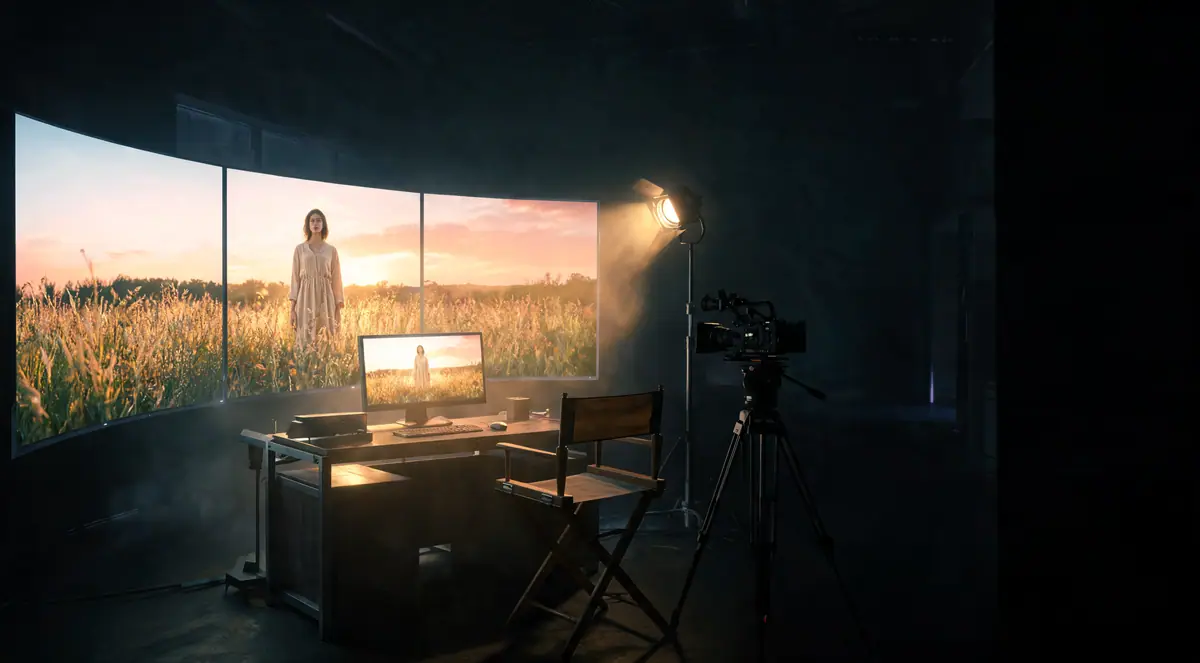
- Post. Color grading, sound design, brand elements and captions are added, the same way they would be for a shot film.
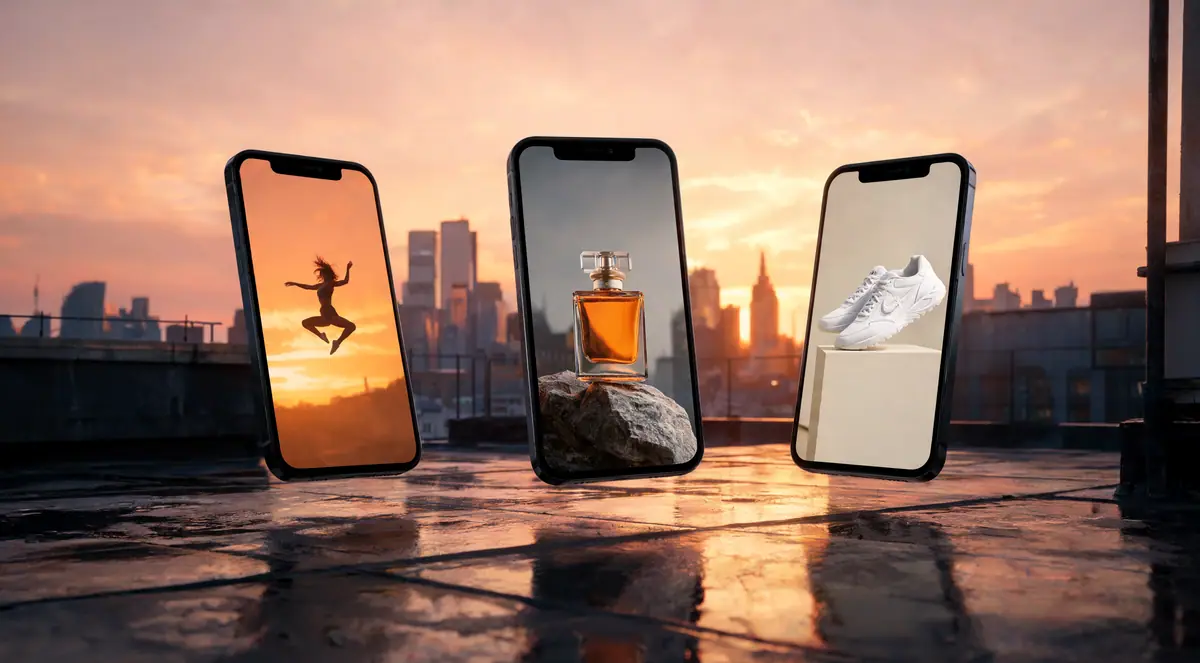
- Formats. The final cut is delivered in 9:16, 1:1 and 16:9.
No single model does everything well
Different models are better at different jobs: some at realistic motion, some at product detail, some at longer shots or specific styles. Production teams get the best results by routing each shot to the model that suits it, rather than forcing one tool through the whole film.
Writing prompts that work
A useful video prompt reads like a shot description, not a wish:
- Subject: exactly what’s in frame, and what must not change.
- Setting and light: time of day, light direction, atmosphere.
- Camera: lens, angle and one clear move.
- Motion: what moves, how much, and what stays still.
- Keep consistent: product shape, label, colors, framing.
Direct one camera move per shot. Two moves in a few seconds usually means neither reads.
Pitfalls to avoid
- Morphing products. Packaging that changes shape between frames. Start from a real product shot and keep shots short.
- Garbled text and logos. Models still struggle with exact lettering. Keep labels plain in generation and add typography in post.
- Inconsistent grade. Shots from different models can drift in color. Grade the whole film together at the end.
- Loops that jump. For web loops, make the last frame match the first.
Where people still make the difference
AI handles speed and range. People handle taste: picking the concept worth making, directing each shot, deciding which take is right, and making sure the film feels like the brand. The strongest AI productions keep a creative director in the loop from brief to final cut.
How Auroscale does it
Auroscale’s video production engine routes every shot to the best AI model, generates variations, then finishes each film with studio-grade grading, sound, brand elements and captions. Auroscale AI Studio’s creative team directs and reviews every project before delivery.